01 / THE IDE FOR CODING AGENTS
Run coding agents
anywhere.
Keep your flow.
Your repositories, agents and tools in one workspace, on the machine you control. Go from an idea to a reviewed change without losing the thread.
Get the IDE for freeHundreds of three-dimensional cubes travel through space and first assemble into the AirCode Ø ribbon, then into procedurally generated symbols and infrastructure. Each completed sculpture rotates automatically and can be dragged to inspect it.
CLAUDE CODE. CODEX. GROK BUILD. AND MORE.
Switch engines.
Keep the conversation.
Start with one coding engine, pick up with another. Your project stays in place and your context carries forward in the same conversation.
GO FURTHER WITH WORKFLOWS
Let them challenge each other.
Give each role its own engine and model. One proposes, another reviews, and a final arbiter works through their disagreements.
- AuthorClaude Code
Proposes the solution.
- ReviewerCodex
Challenges the proposal.
- Final arbiterGrok Build
Weighs both perspectives.
 Claude Code
 Codex
Codex Grok Build
Add review passes to send feedback back to the author.
Example team. You choose the engines and models.
ONE HOST. EVERY SCREEN.
Step away.
Keep your place.
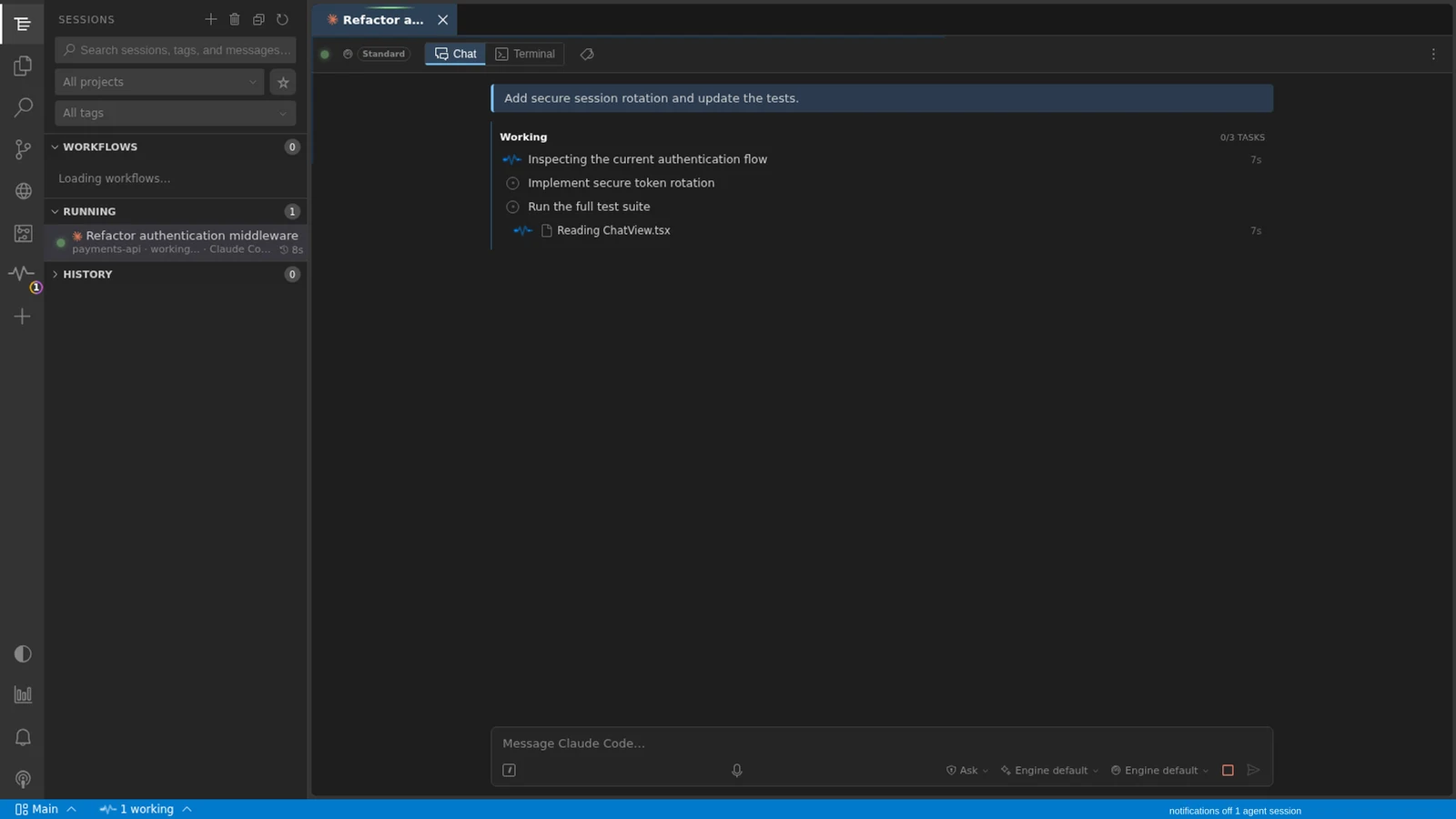
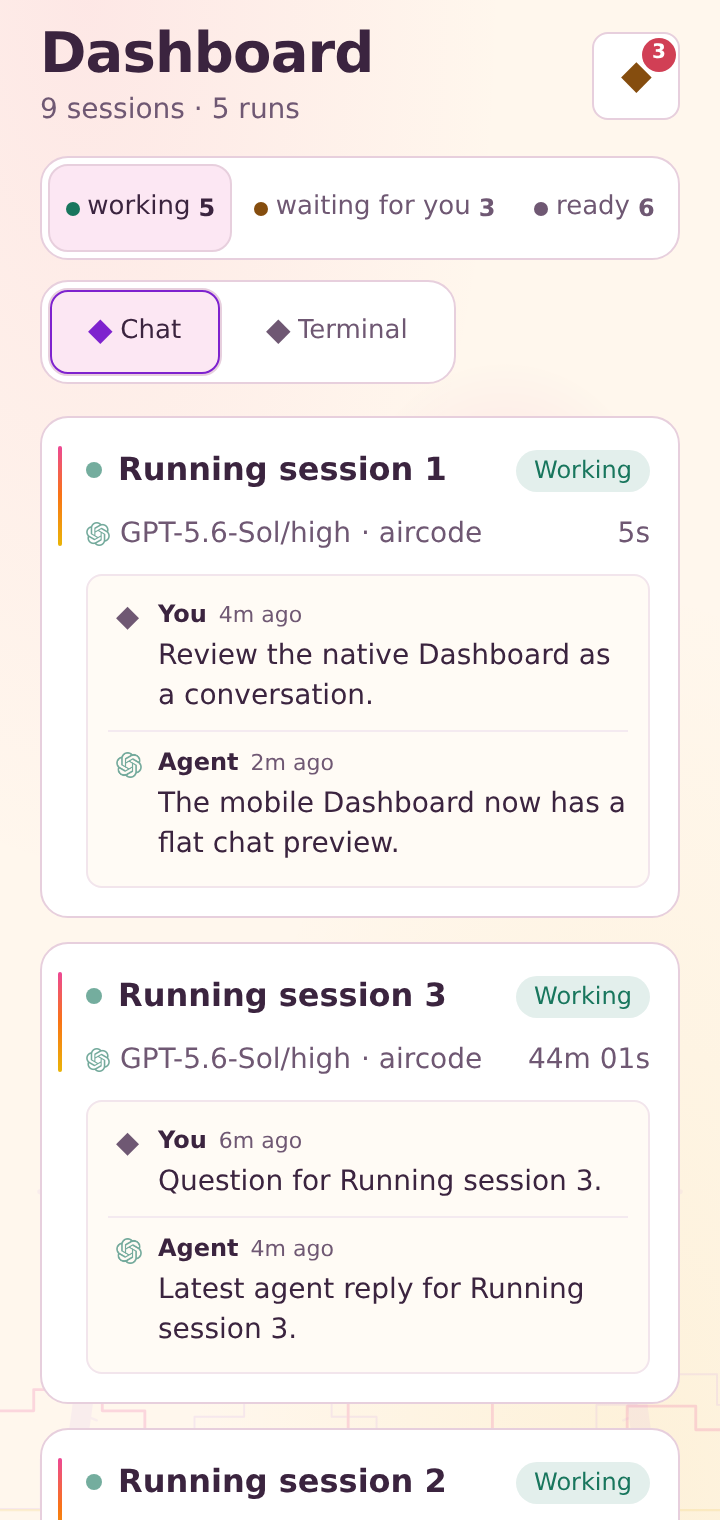
Your session stays on your running host. Connect from another screen and continue with the same project and conversation.
Launch.
Start the work at your desk.
Keep running.
Your agent works on your host.
Stay informed.
Get notified when it needs you.
Continue.
Pick up the session on your phone.
A quota pause keeps its context. Keep the pending prompt and choose to resume when your provider is available again.
Keep something to work on offline. Read downloaded conversations and queue supported actions for when your connection returns.
THE TOOLS AROUND THE CODE
From context
to a change you can trust.
Git
Read the diff. Review what your agent changed before you commit.
Review a change 02Knowledge
Find the right context across your project and bring it into the conversation.
Explore project context 03Shared browser
Open the app and work with your agent in the same browser session.
See the shared browser 04Focus Plans
Turn a larger piece of work into clear tasks and follow their progress.
Follow a Focus PlanYOUR NEXT STEP
Make yourself at home.
Get the desktop app, or install on a Linux server and connect your screens.
aircode startYour projects stay on your host.